| Case
|
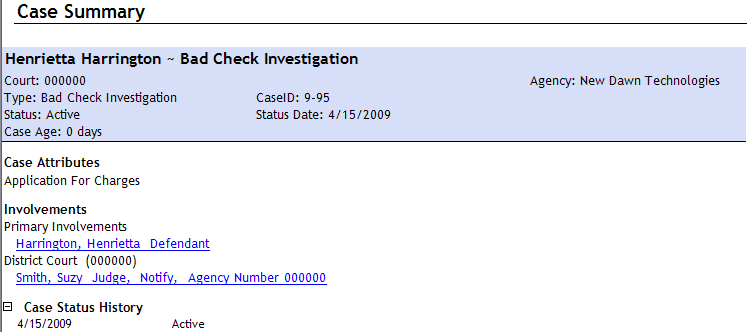
Search for and select the relevant case. Type the case number or the last name of the primary involved person and press Enter to search, then select the correct case name from the search results. |
| Status |
Specify a status for the Docket Event by selecting from the drop-down list provided. |
| Notes |
Type notes about the event. |
| Event Type
|
Specify an event type from the drop-down box provided.
|
| Number Fields |
These fields track numbers that are relevant to the case, such as Law Numbers, Defender Numbers, Prosecutor Numbers, Court Numbers, and Miscellaneous Numbers. |
| Parent Event
|
This field specifies the
Docket Instance that the Docket Event is associated with. |
| Location |
Select the location where the event is to take place. |
| Date Fields
|
Specify the duration or the end date and
time for the Docket Event. |
| Category |
Select an event category from the drop-down list. |
| Title
|
Enter a short title for the event. |
| Currency
|
The Currency 1 and Currency 2 fields can be used to enter amounts of money associated with the event. |
| Date
|
You can use this field to enter a date associated with the event that is separate from the Start and End fields. |
 add new event button to create a new event within this Docket Instance.